
The Complete Guide to Giving Your OpenClaw Agent Eyes on the Web
A breakdown of every tool category worth knowing — and how to choose between them

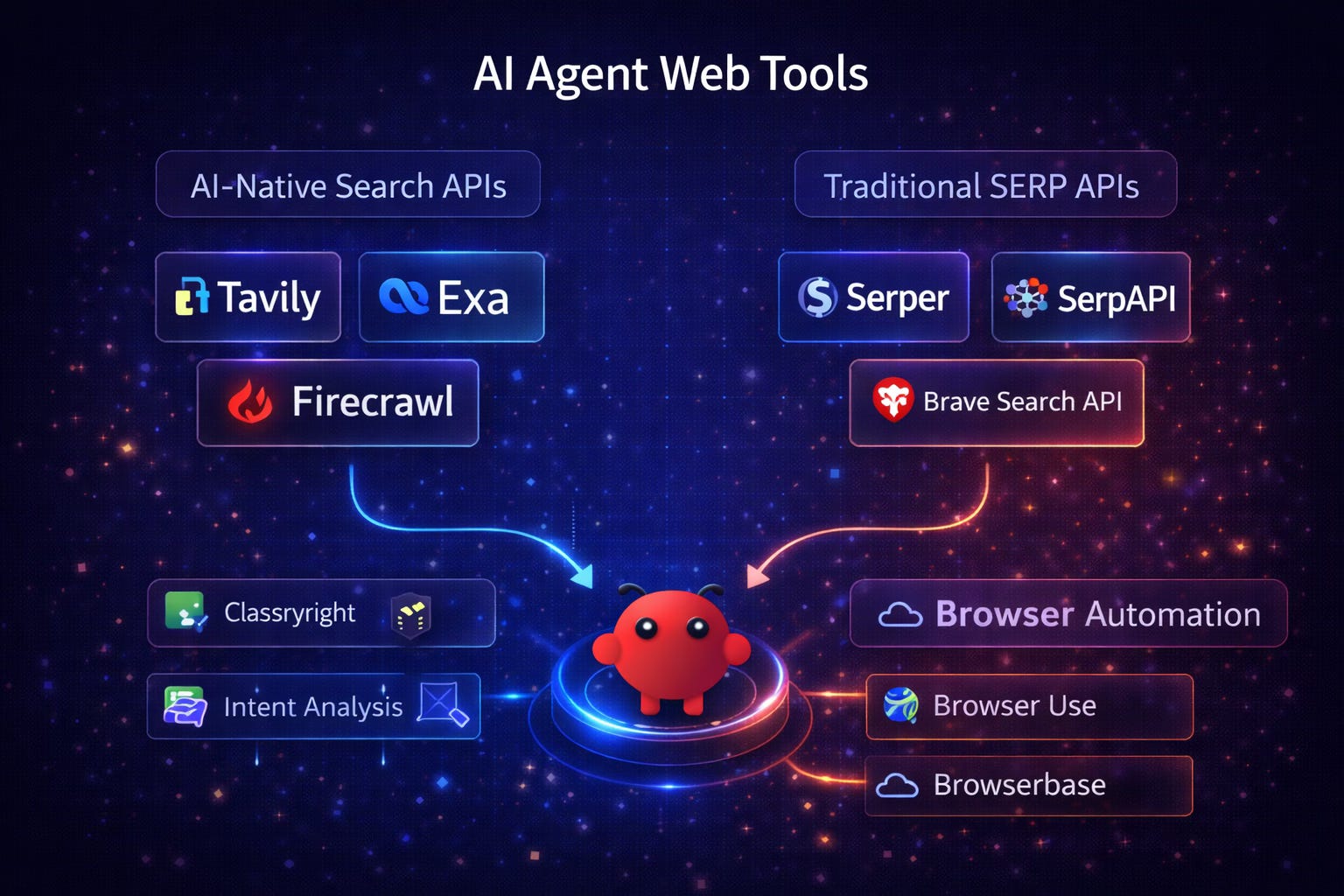
My first OpenClaw agent was impressive in exactly one context: questions about things it already knew.
Ask it to summarize a document sitting in my Google Drive? Excellent. Help me draft an email based on context I’d already loaded? Solid. Reason through a problem using information I’d already given it? Genuinely useful.
But the moment I asked it to do anything that required knowing what was happening in the world right now — checking a competitor’s pricing page, pulling recent news about a company before an outreach email, finding whether a contact’s LinkedIn title had changed — it hit a wall. A very expensive, very politely worded wall.
“I don’t have access to real-time information.”
Right. Of course. I knew that intellectually. But when you’re building agents to actually do work, that limitation stops being a footnote and starts being the whole problem. An agent that can only reason about information you’ve already given it isn’t autonomous. It’s a very sophisticated note-taker.
Giving your agent eyes on the web changes the category of what’s possible. But the tooling landscape for this is fragmented, confusing, and spread across three completely different approaches that aren’t interchangeable. After spending several weeks testing combinations in my OpenClaw setup, here’s the map I wish I’d had at the start.
Why Web Access Is an Architectural Decision, Not a Feature Toggle
Before getting into specific tools, it’s worth understanding why there are three distinct categories here rather than one obvious solution.
Web access for AI agents isn’t a single problem. It’s three different problems that look similar on the surface:
The retrieval problem. Your agent needs information that exists somewhere on the web. It doesn’t need to interact with the page — it just needs the content. This is a search and extraction problem.
The ranking problem. Your agent needs to know what the most relevant, authoritative sources are for a given query — not just that information exists, but which information to trust. This is what search engines have spent decades solving.
The interaction problem. Your agent needs to do something on the web — click a button, fill a form, navigate a multi-step flow, interact with a page that requires JavaScript to render. This is a browser automation problem.
Each category of tools addresses a different one of these problems. Picking the wrong category for your use case doesn’t just cost more money — it often doesn’t work at all.
Category 1: AI-Native Search APIs
These are built from the ground up for exactly this use case: giving language models access to web content in a format they can actually use.
Traditional search engines return ten blue links. That’s designed for humans who will click through and read. AI agents can’t click through — they need the content itself, parsed, cleaned, and structured. AI-native search APIs skip the links entirely and return the content directly.
